Smart Home Security: Guest Networks, IoT Segmentation and Updates
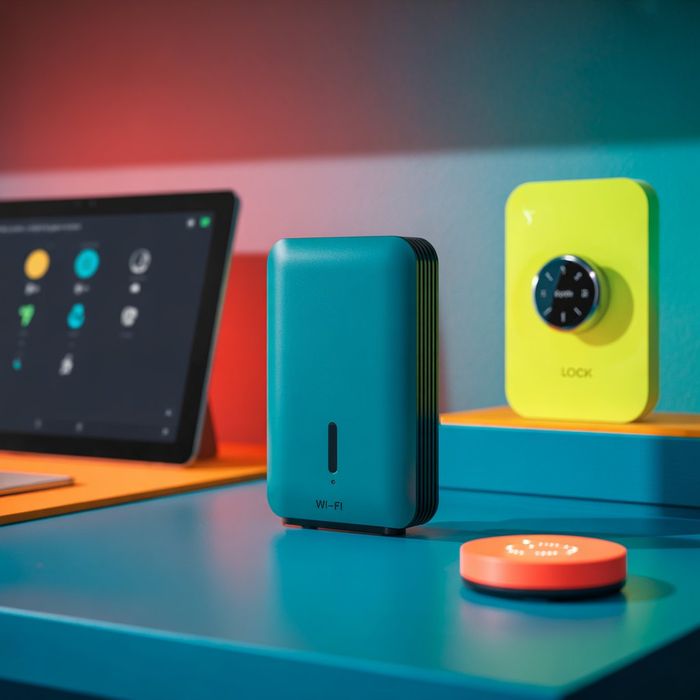
Smart home setups often grow gradually as people add smart TVs, speakers, lights, cameras, and other connected devices from different brands. Each new device usually wants internet access, and many connect to cloud services provided by companies such as Google, Amazon, Apple, Samsung, or smaller manufacturers. While most come with basic protections, they still add to the number of potential entry points into the home network. Treating the home more like a small networked environment and less like a loose collection of gadgets can help clarify where security steps might make a difference.
Background: From Flat Home Networks to Connected Ecosystems
In the past, many homes had a simple pattern: a modem, a single Wi Fi router, and a few laptops or phones. Everything sat on one network, and devices could often see each other by default. In that flat structure, if one device was compromised, it might be easier for an attacker or malicious software to attempt to reach others.
Smart home equipment has grown on top of this model. Smart bulbs, thermostats, plugs, cameras, baby monitors, and voice assistants may all share the same network as work laptops, phones, and personal storage devices. It is not unusual for a household to have more internet connected devices than people, with varying ages, update histories, and security designs.
To provide more flexibility, many consumer routers from brands like Netgear, TP Link, ASUS, and others include features such as guest Wi Fi networks. A guest network typically provides internet access without exposing personal devices or shared folders on the main network. This same idea can be applied to smart home devices, where certain equipment is placed on a separate network or virtual segment. While segmentation cannot guarantee complete isolation, it can narrow the paths that an attacker might take if one device is compromised.
Guest Networks and Basic Segmentation Concepts
Guest networks are often presented as a way to give visitors internet access without handing over access to everything else on the home network. In practice, they can also be used to separate categories of devices.
Common patterns include:
- Keeping personal devices (laptops, phones, tablets) on the main network.
- Placing guests and temporary devices (visitors’ phones, borrowed laptops, consoles) on the guest network.
- Creating a secondary network for smart TVs, speakers, or other entertainment devices, when the router supports additional segments.
In more capable routers and mesh systems, similar separation can be done using features such as virtual LANs (VLANs) or profiles that group devices by purpose. The aim is not to create a perfect barrier but to reduce the chance that a vulnerability in one device leads directly to access to more sensitive equipment, such as work laptops or home servers.
Trends: User Friendly Controls and IoT Focused Segments
Several trends are shaping how smart home networks are managed.
Easier controls in router and mesh apps
Newer routers and mesh Wi Fi systems often come with smartphone apps that present security and network options in plain language. Examples include:
- Simple toggles for turning guest networks on or off.
- Lists of connected devices with names, icons, or types.
- Basic grouping tools that allow users to assign devices to families, guests, or smart home categories.
Systems from providers such as Eero, Google Nest, and TP Link often highlight these features as part of their setup flows. This can make it easier for people who are not networking experts to see what is connected and to separate certain devices without working directly with advanced configuration pages.
Recognizing IoT devices as a separate category
Many smart home devices only need to communicate with their cloud services and perhaps with a local hub or app. They may not need direct access to laptops or personal storage at all. As this becomes better understood, some households are:
- Creating separate Wi Fi names (SSIDs) specifically for IoT devices.
- Using router options to group or label smart devices and apply different rules.
- Placing older or rarely updated equipment on more restricted segments.
This approach can help shield higher value targets, such as work computers or network attached storage, from potential weaknesses in devices that receive fewer updates or that have limited security controls.
Regular updates for routers and smart devices
Automatic updates are becoming more common for phones and laptops, and a similar expectation is emerging for routers and IoT gear. Examples include:
- Routers that can download and install firmware updates on a schedule or during low traffic periods.
- Smart home hubs that display update prompts or install patches in the background.
- Device apps that notify users about new firmware with security fixes or performance improvements.
Keeping routers and central controllers up to date can be particularly important, because they sit at key points in the network. Over time, updates can close known vulnerabilities and improve default settings, though it is still useful to check release notes and vendor guidance where available.
Security nudges in smart home apps
Smart home and router apps are increasingly adding gentle prompts and security checks, such as:
- Encouraging stronger Wi Fi passwords or unique admin credentials.
- Supporting multi factor authentication for cloud accounts linked to the home.
- Alerting when new devices join the network or when sign in attempts look unusual.
- Displaying basic security or privacy summaries.
While these features are not a replacement for careful configuration, they can help draw attention to changes that might otherwise go unnoticed.
Expert Notes: Layering Controls in the Home
Network and security professionals often describe home security as a layered structure rather than a single shield. In that view, segmentation is one layer that sits alongside others:
- Strong Wi Fi and admin passwords that are not reused elsewhere.
- Regular updates for routers, hubs, and operating systems where possible.
- Careful selection of devices, including attention to whether vendors offer ongoing security updates.
- Thoughtful account management, such as enabling multi factor authentication on cloud accounts that control smart home systems.
Experts caution that relying only on a single measure, such as a complex Wi Fi password, can be fragile as the number of devices and online accounts grows. Instead, they often recommend combining segmentation with good password habits and patching routines.
Specialists also highlight the risk from devices that continue working long after their update support has ended. A camera or plug that still operates may no longer receive security fixes. When purchasing new equipment, some professionals suggest considering:
- How long the vendor commits to providing updates.
- Whether security information and documentation are easy to find.
- How clearly the product explains its privacy and data handling practices.
In more complex homes, or where people work remotely and handle sensitive information, professionals may recommend managed Wi Fi systems or centralized controllers that give a clearer view of all devices and their status.
Summary
Smart home security is shifting from focusing on individual gadgets to looking at how those gadgets share a network. Guest Wi Fi networks, IoT specific segments, and regular updates all play a role in reducing the chances that one vulnerable device affects everything else.
Each household will have its own mix of equipment, comfort level with technology, and priorities. Even so, simple steps such as grouping devices thoughtfully, turning on automatic updates where appropriate, and paying attention to network alerts can contribute to a more resilient home environment. Over time, treating the home network as a small ecosystem rather than a single flat space can support a calmer and more controlled connected home experience.
Reviewed by InfoStreamHub Editorial Team - November 2025