Digital Safety Guide for Kids: Device Settings and Etiquette
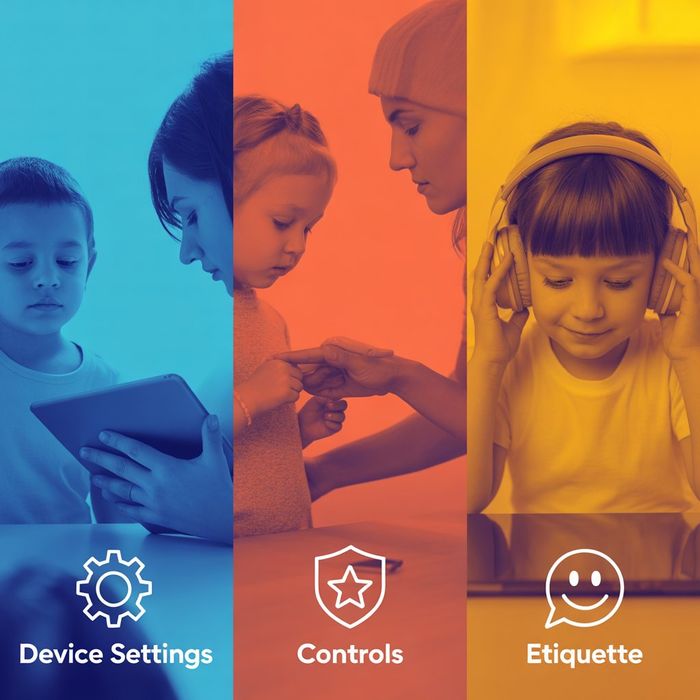
Digital devices give children access to learning tools, creative platforms, and social spaces, but they also introduce risks such as exposure to unsuitable content, privacy loss, and uncomfortable interactions. Younger users may not fully understand how their online actions affect their safety or how information can spread beyond its original context. Ongoing adult guidance, combined with clear device settings, can help children build safer digital habits over time.
Core Safety Settings to Review
Modern phones, tablets, computers, and gaming systems include built in tools designed to support child safety. Reviewing these together can also help children understand why certain limits exist.
Parental controls Most operating systems, including iOS, Android, Windows, and macOS, offer controls to filter mature content, restrict in app purchases, and manage which apps can be installed or used.
App permissions Each app may request access to features such as location, camera, microphone, photos, or contacts. Allowing only what is necessary can reduce unintentional data sharing.
Screen time tools Daily usage limits, scheduled downtime, or activity reports can support balance and make digital use more predictable rather than constant.
Privacy settings Many services allow profiles to be set to private, limit who can send messages, and control whether location information is shared. Adjusting these settings helps narrow interactions to people a child already knows.
Keeping devices and apps up to date is also part of safety, since updates often fix security weaknesses. Reviewing settings together from time to time can turn this into a learning opportunity rather than a hidden restriction.
Teaching Everyday Digital Etiquette
Technical controls work best when paired with clear expectations about how to behave online.
Respectful communication Children benefit from learning that messages, even in games or group chats, should follow the same standards of kindness used in person. Short or joking messages can be misunderstood without facial expressions or tone.
Sharing with care Photos, comments, and videos can spread quickly and may remain accessible longer than expected, even if deleted later. Pausing before posting helps reduce later regret.
Protecting personal information Children should avoid sharing home addresses, school names, phone numbers, daily routines, or other identifying details with people they do not know offline.
Using platform tools Knowing how to report harmful content, mute others, or block unwanted contact helps children feel more confident handling uncomfortable situations on their own.
Stories, examples, and simple role play conversations can make these ideas easier to understand than abstract rules.
Building Safer Daily Habits
Safety is reinforced not only through settings and rules, but also through the routines that develop at home.
Create tech free spaces Many families choose bedrooms, study areas, or shared meals as times and places without screens to support rest and connection.
Model balanced use Children often imitate adult behavior. When adults manage notifications calmly and take regular breaks from devices, it sets a visible example.
Have regular check ins Simple, non intrusive questions about new apps, online games, or recent interactions create space for children to share concerns early.
Use supervised accounts for younger children Shared or monitored logins can help adults stay aware of activity while gradually introducing independence as children mature.
Trust and routine communication make it more likely that children will ask for help if something online feels confusing or upsetting.
Expert Notes
Child development specialists note that digital safety conversations should evolve as children grow, since older children encounter more complex platforms, social dynamics, and pressures. Explaining the reasons behind rules, rather than enforcing them without context, supports stronger long term judgment.
Cybersecurity professionals also emphasize basic account protections for family devices, such as strong passcodes, password updates, and two factor authentication where available. These measures help protect shared household accounts as well as individual profiles.
Summary
Supporting children in the digital world involves a blend of device settings, thoughtful boundaries, and steady guidance. Adjusting controls, teaching everyday etiquette, and staying involved in how technology is used can reduce risks and build confidence over time. With consistent habits and open dialogue, families can help children explore online spaces in a safer and more informed way.
Reviewed by InfoStreamHub Editorial Team - November 2025